For Those Who want more....
Managed GHL Virtual Assistant Solutions
Are You Looking For A Dedicated Team of VAs?
You can get a team of 8 VAs who manage your CRM, Social Media, Graphics, Videos, website creation along with a Project Manager...
Are You Looking For A Dedicated Team of VAs?
You can get a team of 5 VAs who manage your CRM, social Media, Graphics, website creation with a project manager..
Other Gohighlevel CRM Services:
24/5 GoHighLevel customer support (UNIQUE)
Dashboard, form and Survey Customization
GoHighLevel sales automation and AI Integrations
Academy For Gohighlevel
Don't go for our word...
Check out what fellow business owners say
GoHighLevel Experts, for bug-less automations
...We've got you covered.
We understand technical tasks can hold back business owner thus our Highlevel experts are all-rounders from GoHighLevel CRM to GoHighLevel sales automation and workflows. allowing you to focus on closing sales.
Dedicated Experts to one client at a time only
Works according to your time zone
Managed by our team at the backend
Live Communication
Ability to White Label Support
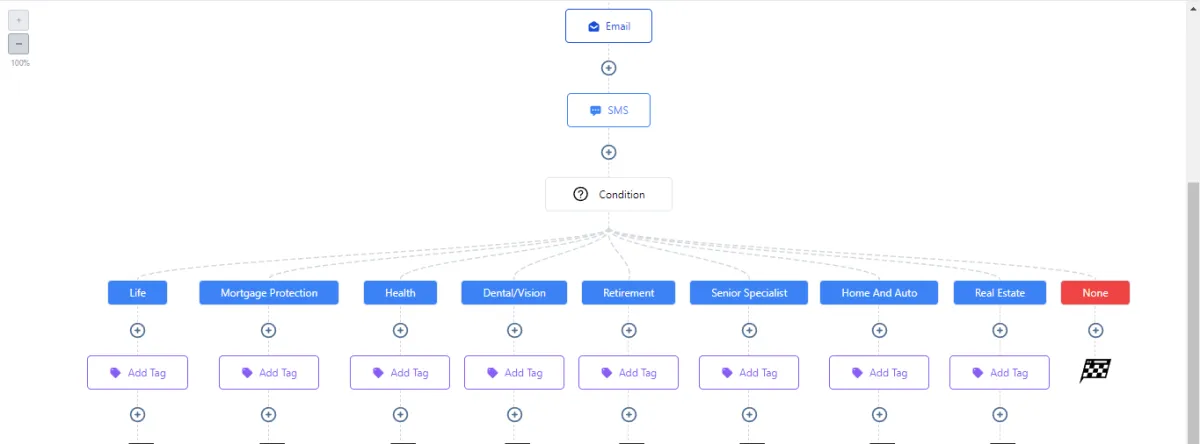
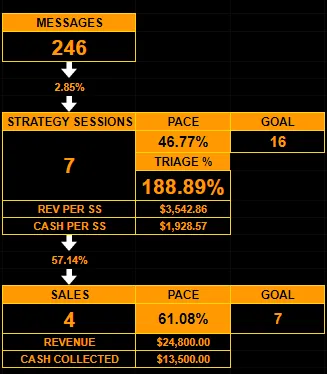
Appointment Setter will keep the flow of organic leads coming in
Each Appointment Setter works 8Hrs/day on your profiles to get you leads organically and grow your audience so you're never out of prospects.
Our VAs specializes in more than just client support, but they also work hard at client satisfaction. They make sure that the client is happy with what they are getting, and we make sure that none of our VAs are neglecting their clients.
Setting Appointments using Facebook, Instagram and LinkedIn
Generating Audience on Social Platforms
Meeting Daily KPIs
Automate and Delegate with GHLStarBoys
Appointment Setter will keep the flow of organic leads coming in
Each Appointment Setter works 8Hrs/day on your profiles to get you leads organically and grow your audience so you're never out of prospects.
Our VA's specialize in more then just client support but they also work hard at client satisfaction. They make sure that the client is happy with what they are getting and we make sure that none of our VA's are are neglecting their clients.
Setting Appointments using Facebook, Instagram and LinkedIn
Generating Audience on Social Platforms
Meeting Daily KPIs
Automate and Delegate with GHLStarBoys
Website Developers will do the magic
Do you develop websites for your clients yourself? Well, you can spend a fraction of cost on experts who'll do it for you allowing you to manifold your capacity to take on more clients
Custom Websites on WordPress or other CMS
Customization on Websites
Integrating websites with Gohighlevel
SEO Experts, making sure you're on the top
Moving your Business according to ever changing Google algo
Search Engines are learning every day, so are we...
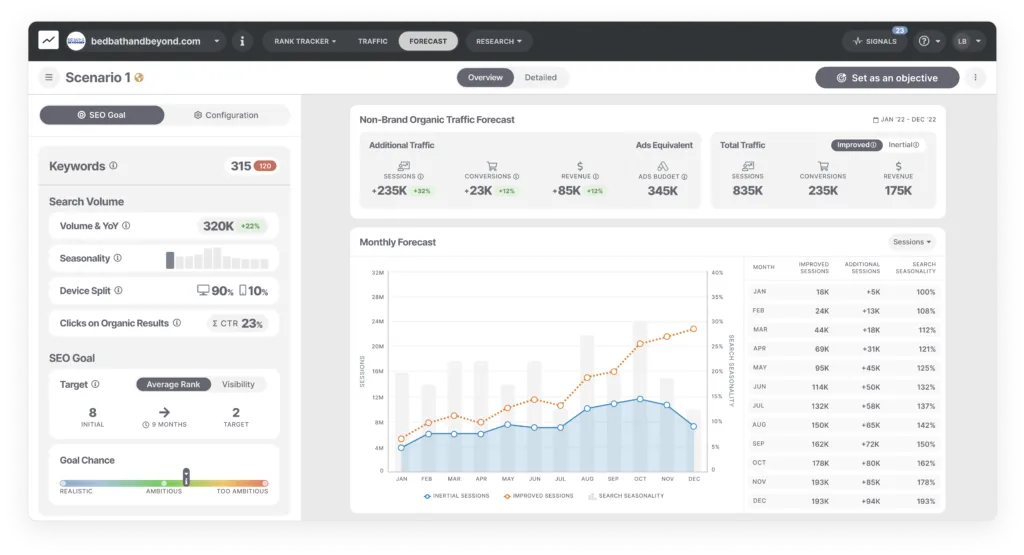
Our Internal Brainstorming sessions make sure that we are up to the latest advancements. Organic audience are always better with 50% more conversion rate, we know that.
Let's make a truce happen between website and sales funnels.
Ranking with the relevant keywords
Local Visibility Ranking
Completely White Label Services
SEO Experts, making sure you're on the top
Moving your Business according to ever changing Google algo
Search Engines are learning everyday, so are we..
Our Internal Brain storming sessions make sure that we are up to the latest advancements. Organic audience are always better with 50% more conversion rate, we know that.
Lets make a truce happen between website and sales funnels.
Ranking with the relevant keywords
Local Visibility Ranking
Completely White Label Services
Media Buyers, will get you never ending leads
Tired of ads not working out?
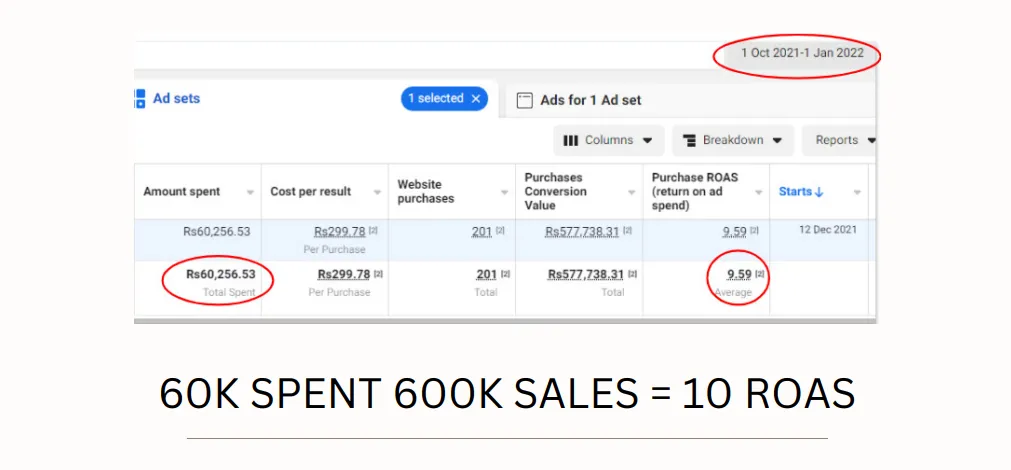
Most of the "Expert" media buyers are not aware of ever-changing Facebook Rules and regulations thus end up blocking your account. We have weekly calls with Facebook representatives to be briefed about what's coming next, so we are ready before hand
Paid Ads on Facebook, TikTok. Google and YouTube
Integrating Ads with GHL
Tracking and Testing metrics and KPIs
GHLStarboys – Your Tech Partner for Smarter Business Automation
We help businesses save time, close more deals, and deliver 24/7 customer support through Assistible.ai.
Assistible.ai Integration & Setup
🤖 24/7 AI Support That Works for You
Our team is fully trained and experienced with Assistable.ai, whether it is integrating assistable.ai with your existing systems or building a bot inside of it from scratch our agents can do it all under one roof.
Highlights:
AI-powered customer service & lead qualification
Works across chat, email, and SMS
Fully customized conversation flows and AI voice bot
Closebot CRM Setup & Optimization

📊 Close More Deals with a Sales-Ready CRM
We transform Closebot into a powerful sales engine tailored for your business. From organizing leads into pipelines to setting automated follow-ups and tracking KPIs, our setup makes your sales process faster, cleaner, and more profitable.
Highlights:
Customized pipelines & lead stages
Automated deal reminders & follow-ups
Insightful sales performance dashboards
N8N Workflow Automation
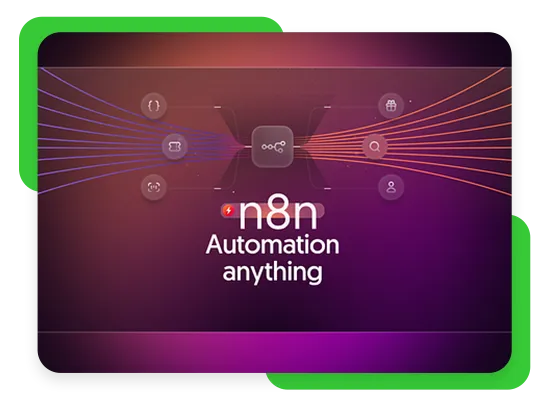
⚡ Connect All Your Tools & Automate Everything
With n8n, we build automations that connect your favorite tools — CRM, emails, spreadsheets, ads, payment systems, and more.
Whether you want to sync data, trigger actions automatically, or create multi-step workflows, we make it happen without the need for constant manual work.
Highlights:
Integrates with 1,000+ apps & APIs
100% custom workflow design
Saves hours every week
Each and every one of our Assistant is 100% Managed
Internal Daily KPIs
Live Time Tracking
Free Strategy Sessions
Our Hiring Criteria are based on highly selective skills which makes sure that you get the best fit for your agency. At the backend we make sure that your tasks are started and completed on time. We track the time and monitor our internal tracking sheets.
24 HOUR SERVICES ACROSS THE GLOBE

Free Replacements

Yes, you heard it. Free!
Sometimes it does not work out BUT you don't have to pay the price of that. If a VA doesn't perform, we would replace them for you and make sure the next one is shadowed and ready to take off. This is all free of cost.
We also refresh your payment date from the day replacement is done if the request is made within 7 days.
Starting from: $3/hour
LIVE TIME TRACKING

Live time tracking for your GHL Virtual Assistants
All the VAs works according to your time zone 8hrs/day so there is no gap in the communication and they're working when you are working, boosting your business performance. Imagine getting your calendar filled in while you're on the call with another client.
Starting From: $3/hour
Team of VAs

You Can Hire a Team of 8 Managed VAs
1. CRM Expert
2. Graphic Designer
3. Video Editor
4. SEO Expert
5. Appointment Setter
6. Data Entry and Admin
7. Media Buyer
8. Social Media Manager
9. Project Manager
Starting From: $2000/Month
All Highlevel based agencies have the same problems, but that is not something that cannot be fixed.
Need high quality & high converting funnels to engage more leads?
Frustrated with purchasing low-quality snapshots that take hours to figure out?
Is automation not functioning according to your desired expectations?
Curious about the extensive capabilities of GoHighLevel beyond what you already know?
Eager to explore and learn additional cool tips and tricks for maximizing your use of GoHighLevel (GHL)?
Unsure if your GoHighLevel is optimized with the best settings?
Looking for assistance in crafting and designing your SaaS website?
Require assistance in customizing the dashboard's appearance to align perfectly with your brand?
Looking to offer your clients genuine white-label marketing services for their business?
Feeling overwhelmed and in need of guidance on where to begin? Seek a consultation to get started on the right track.
Use this Calendar to book a Free Consultation call with one of our Experts
Don't make the mistake of working IN your business
Hire the best GHL experts who are always learning
Choosing GHL Star Boys would not only give you talented GHL experts who are cooperative and responsive, but you would also get free Brainstorming sessions if you ever needed to address anything on the top of that every agent would be backed by our team of experts.
Listen to the people we've served...
Growth Like SpaceX Rocket... hehe
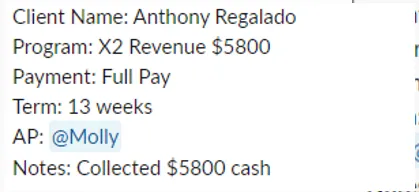
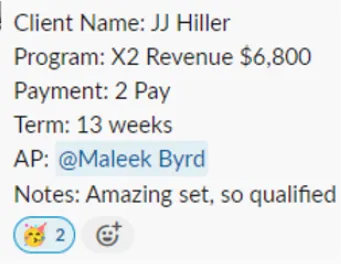
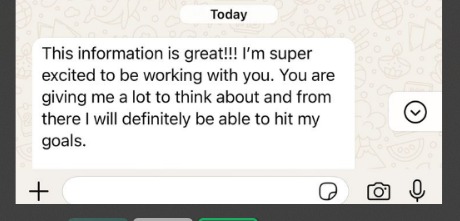
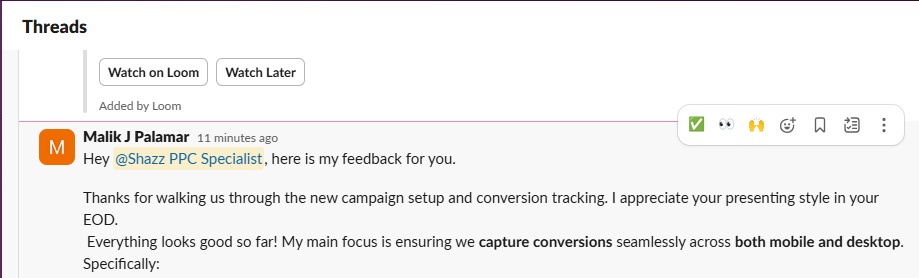
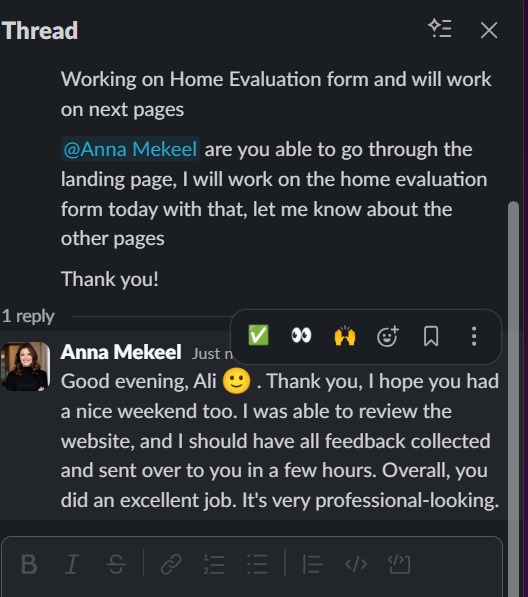
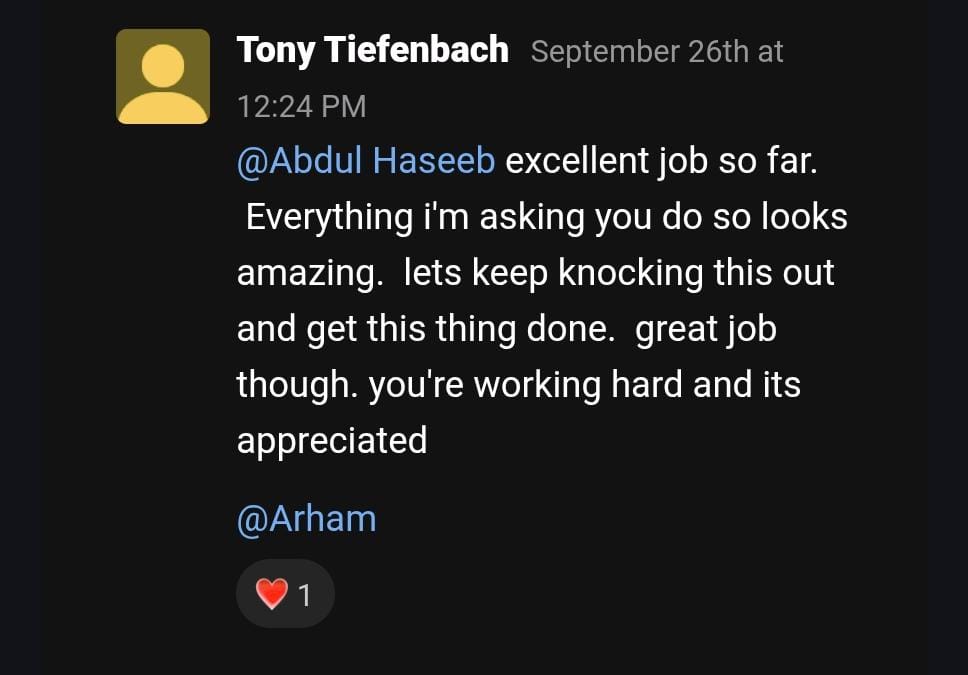
What Our Clients are Saying
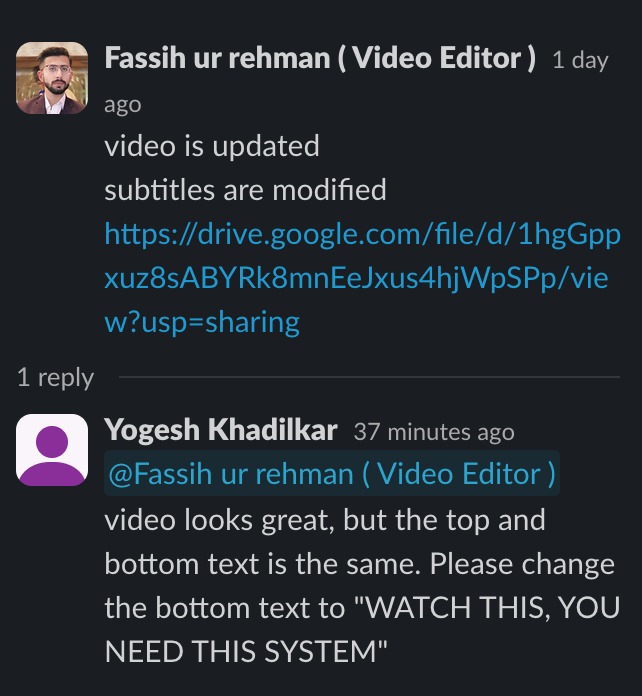
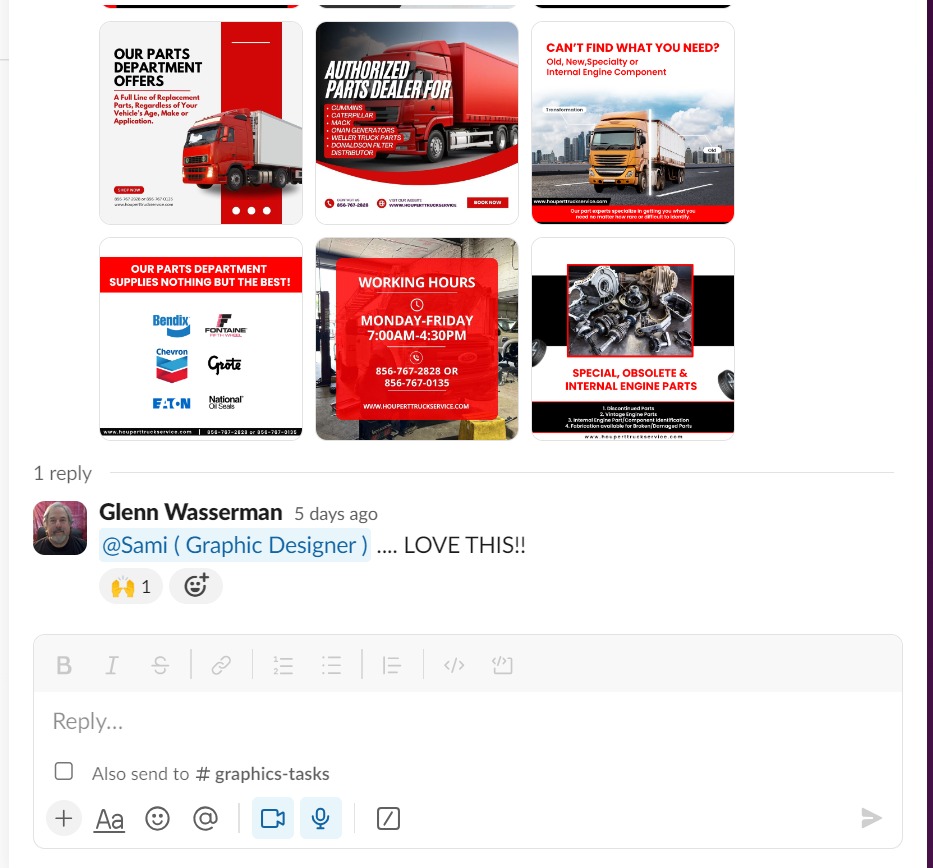
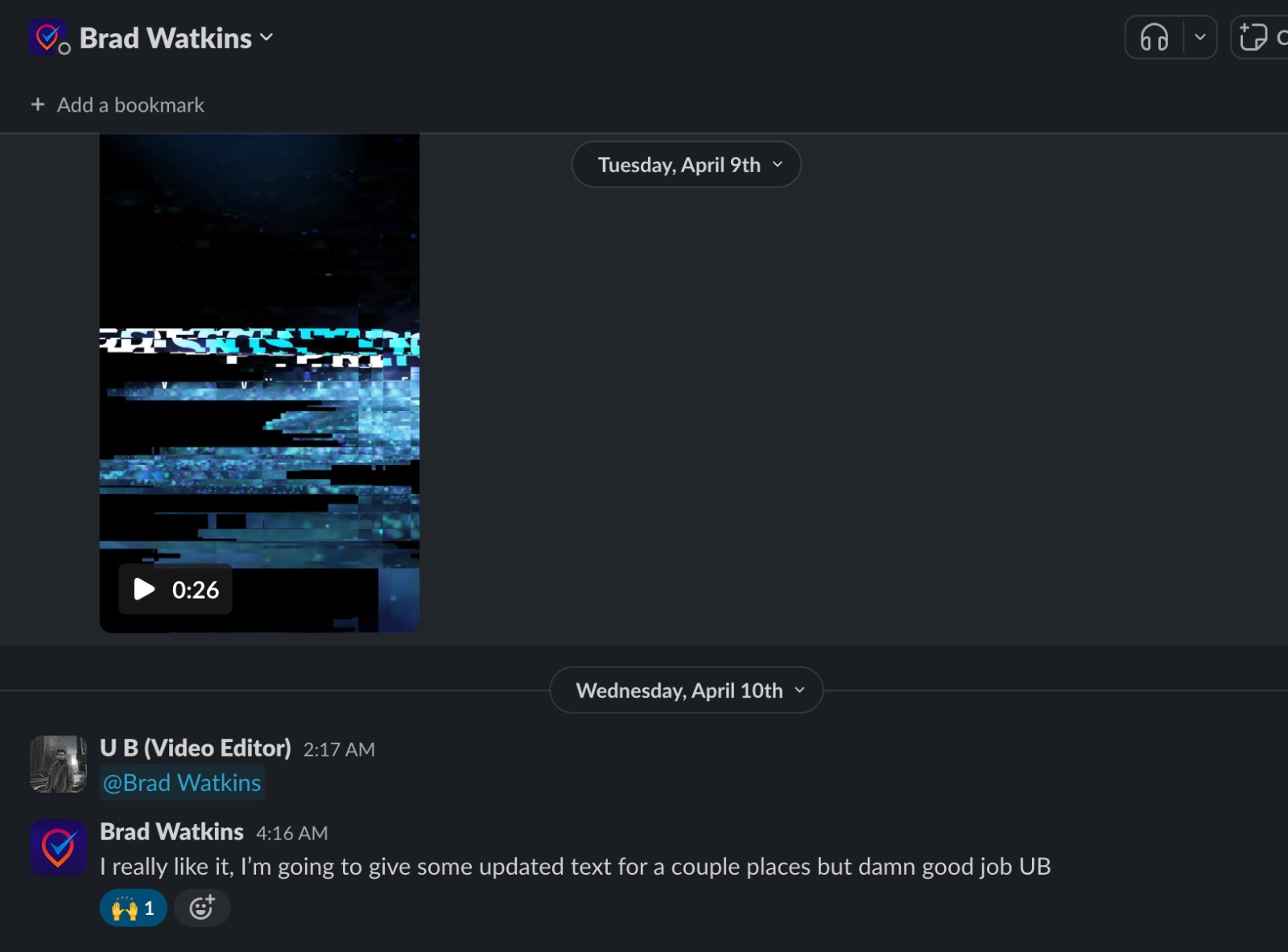
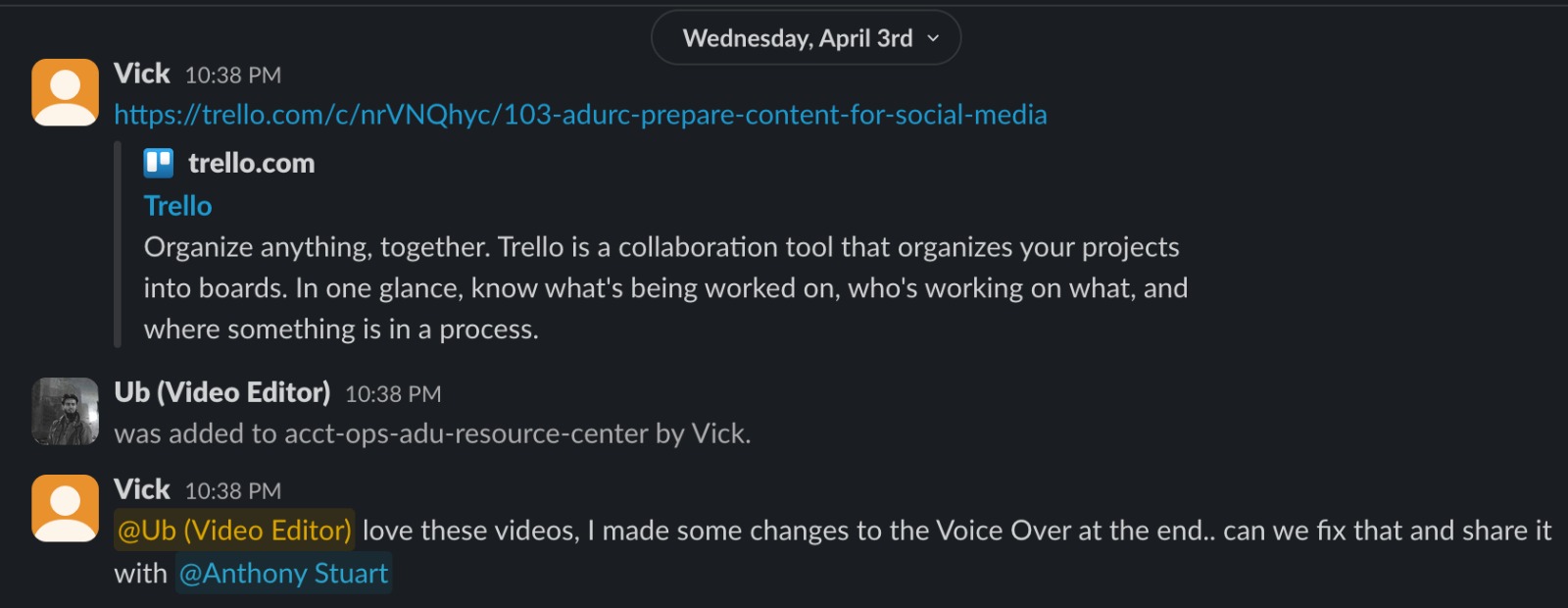
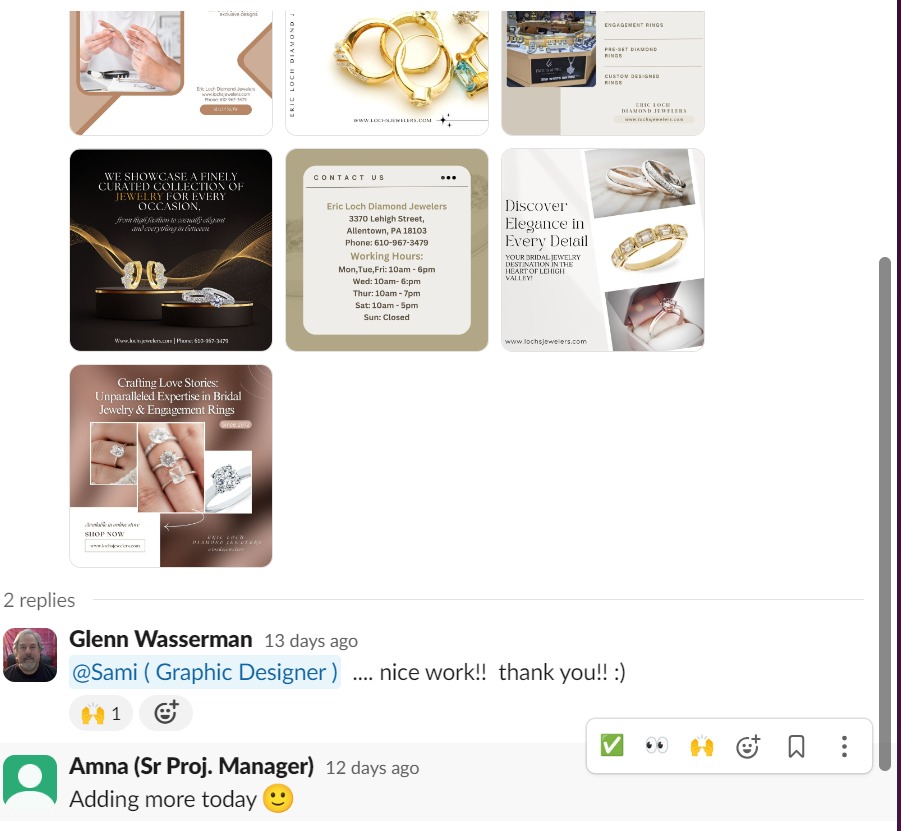
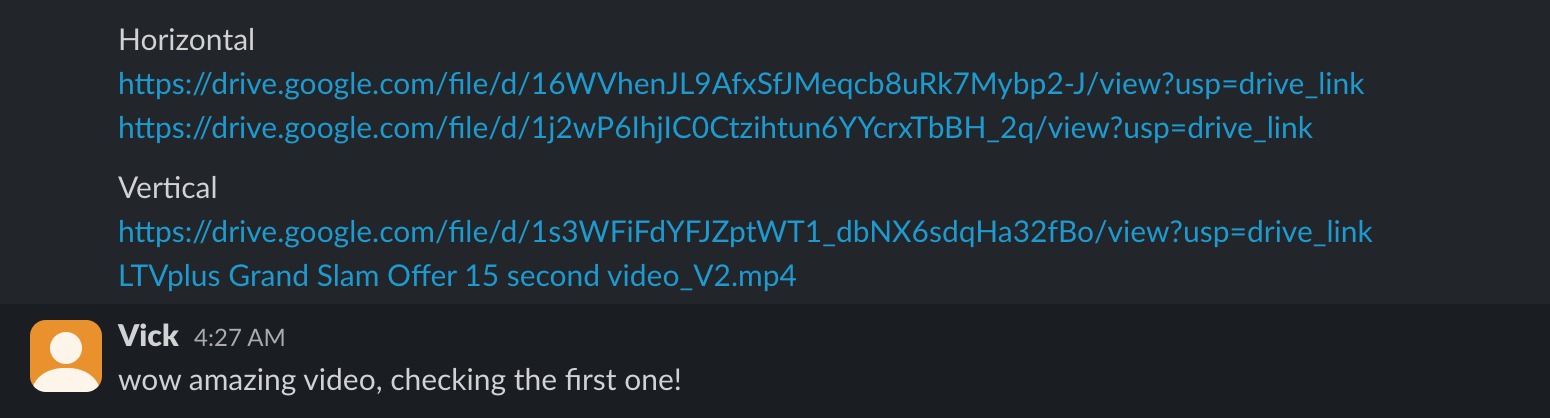
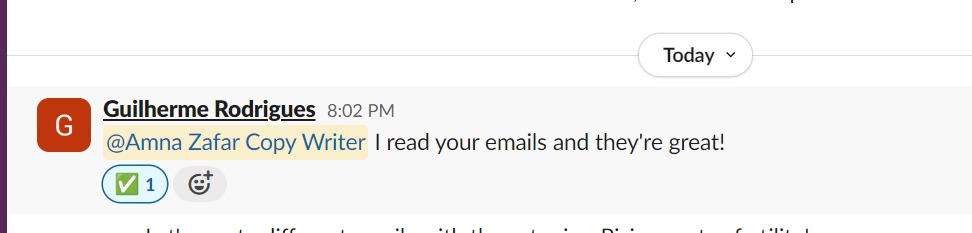
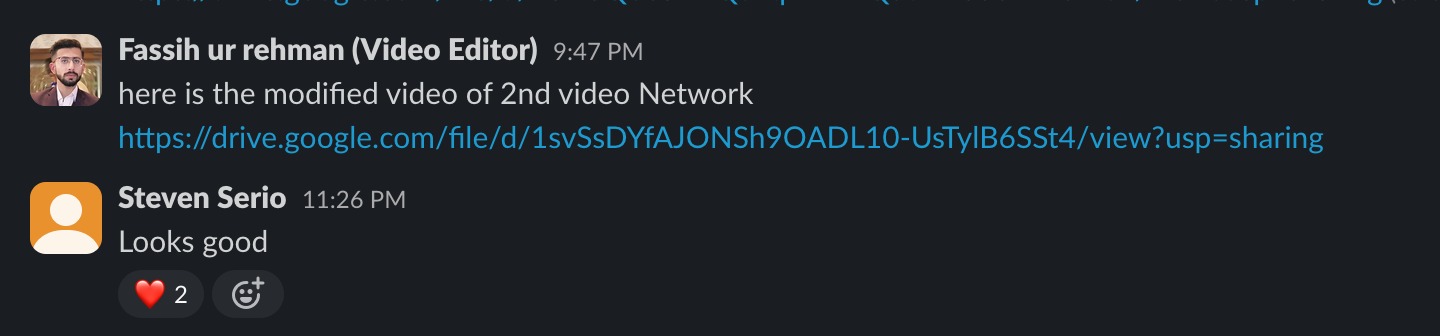
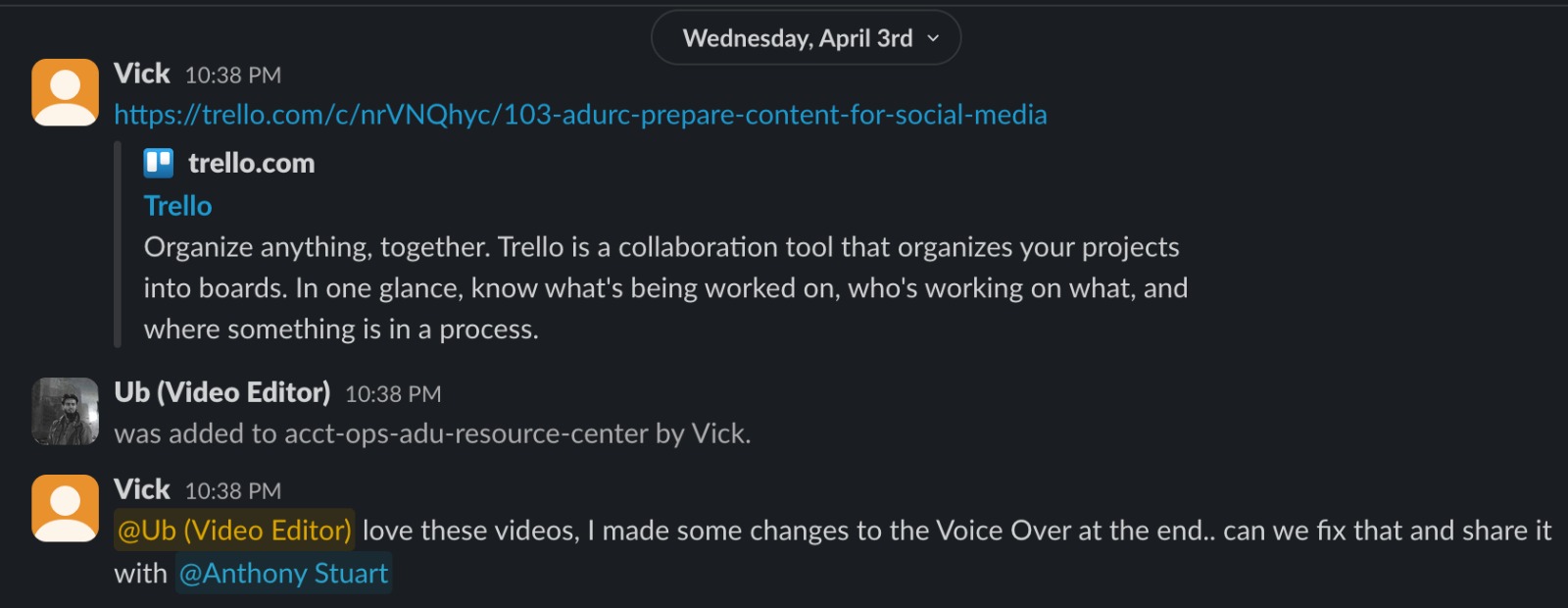
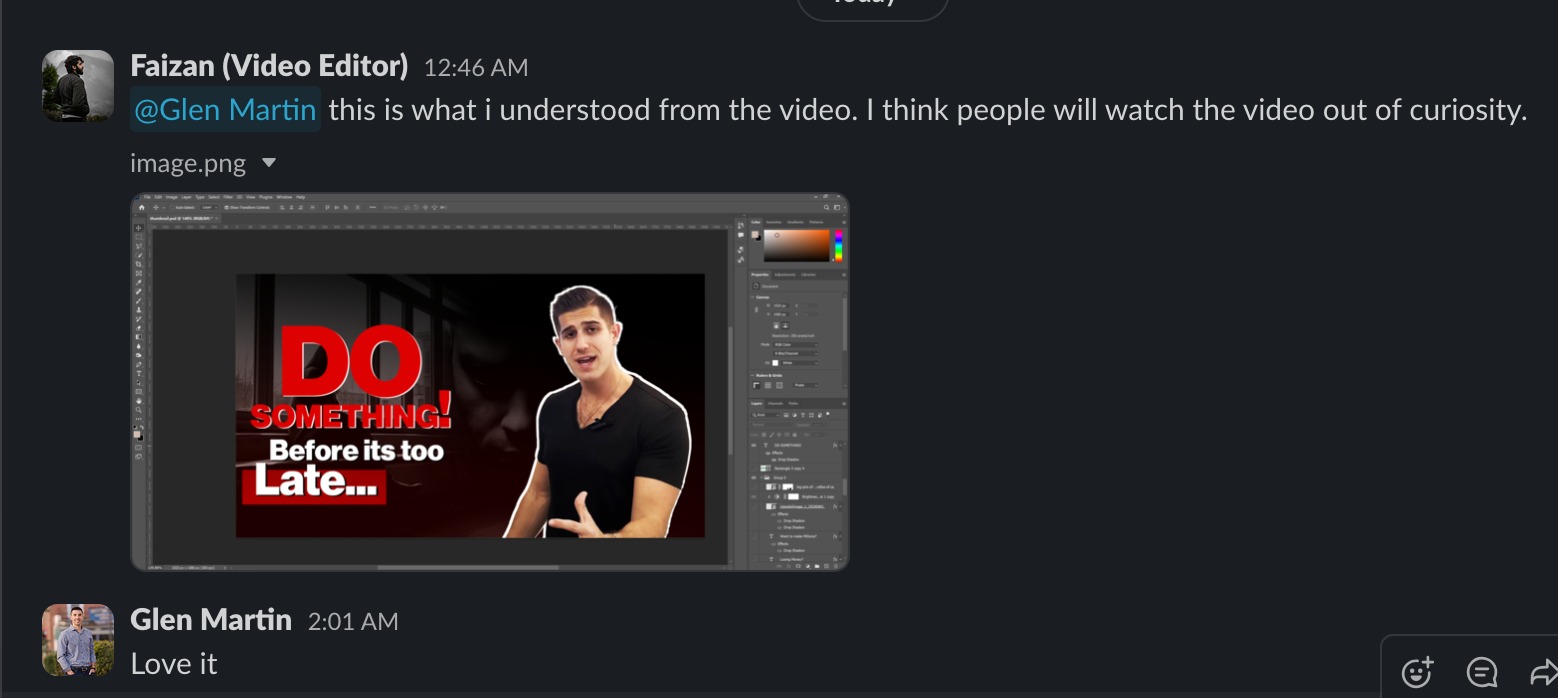
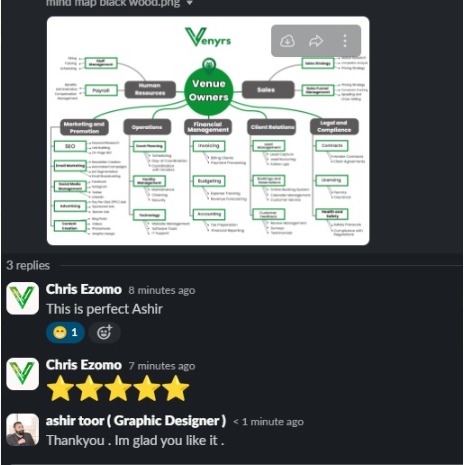
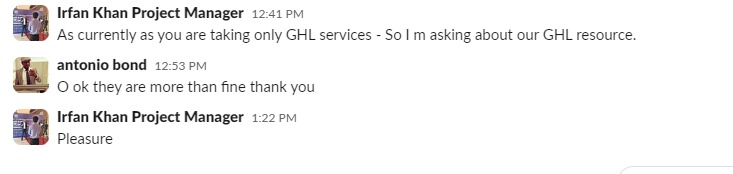
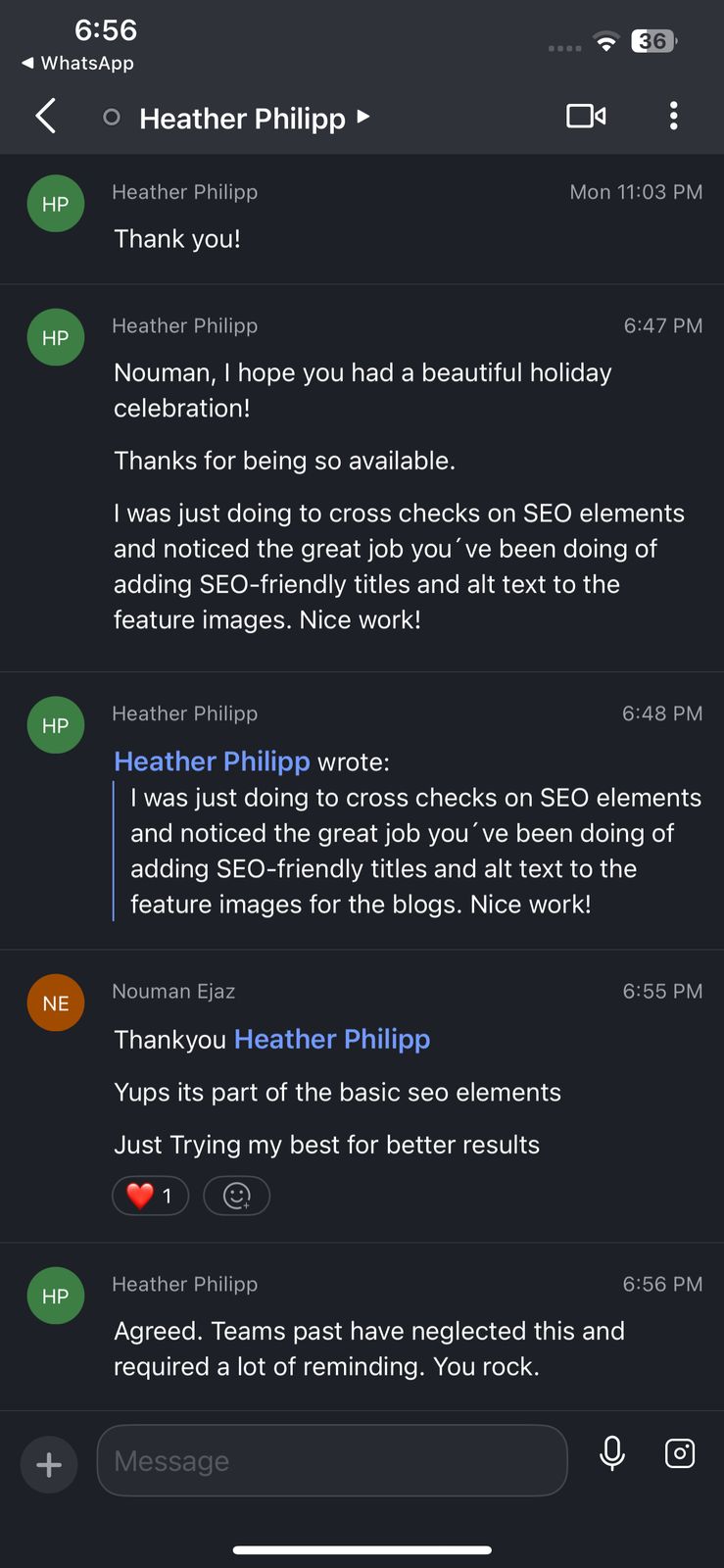
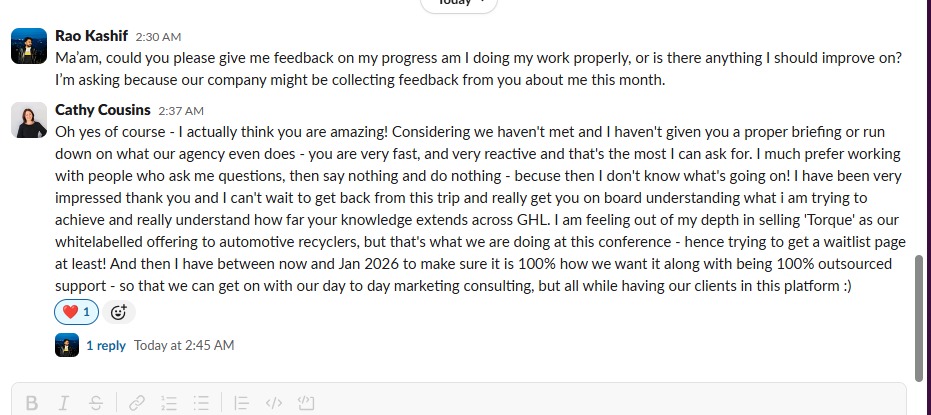
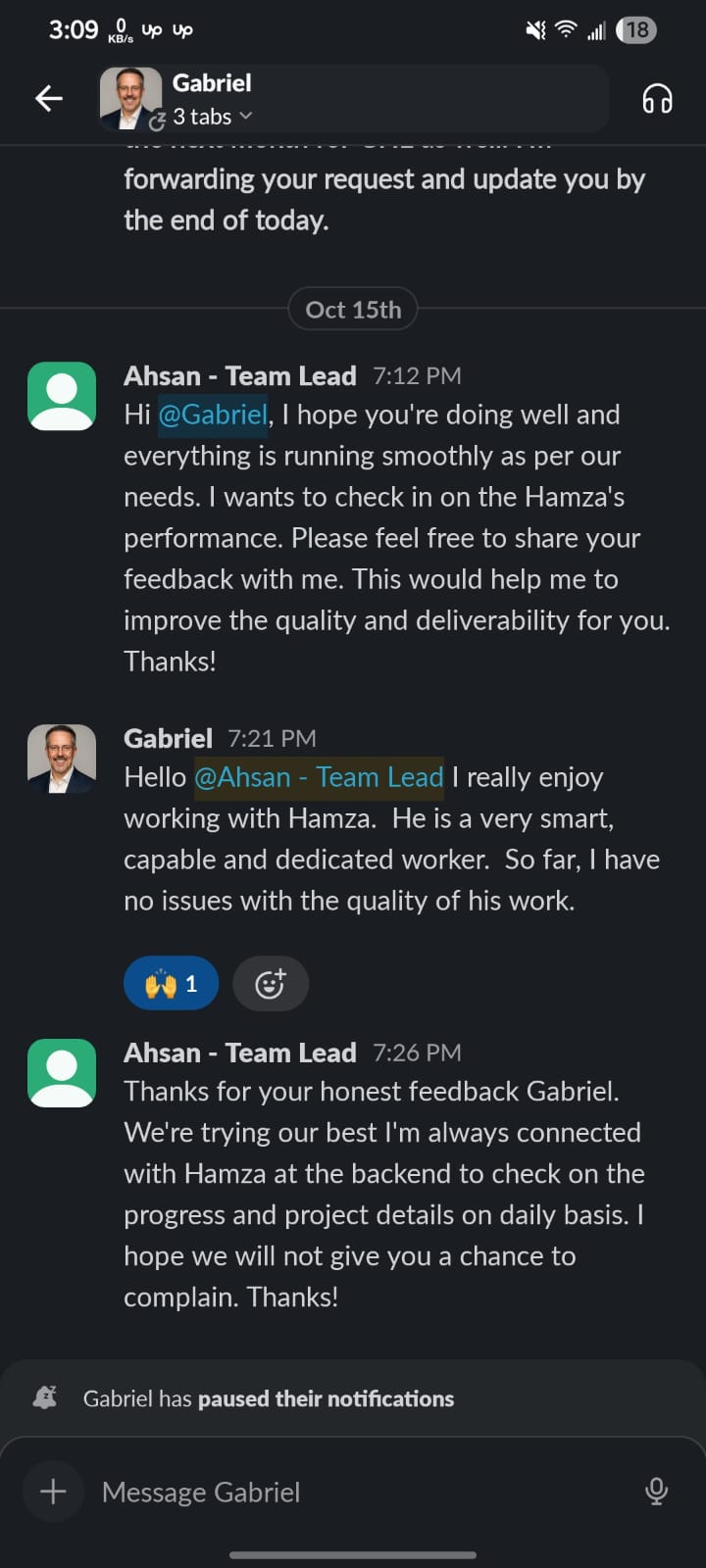
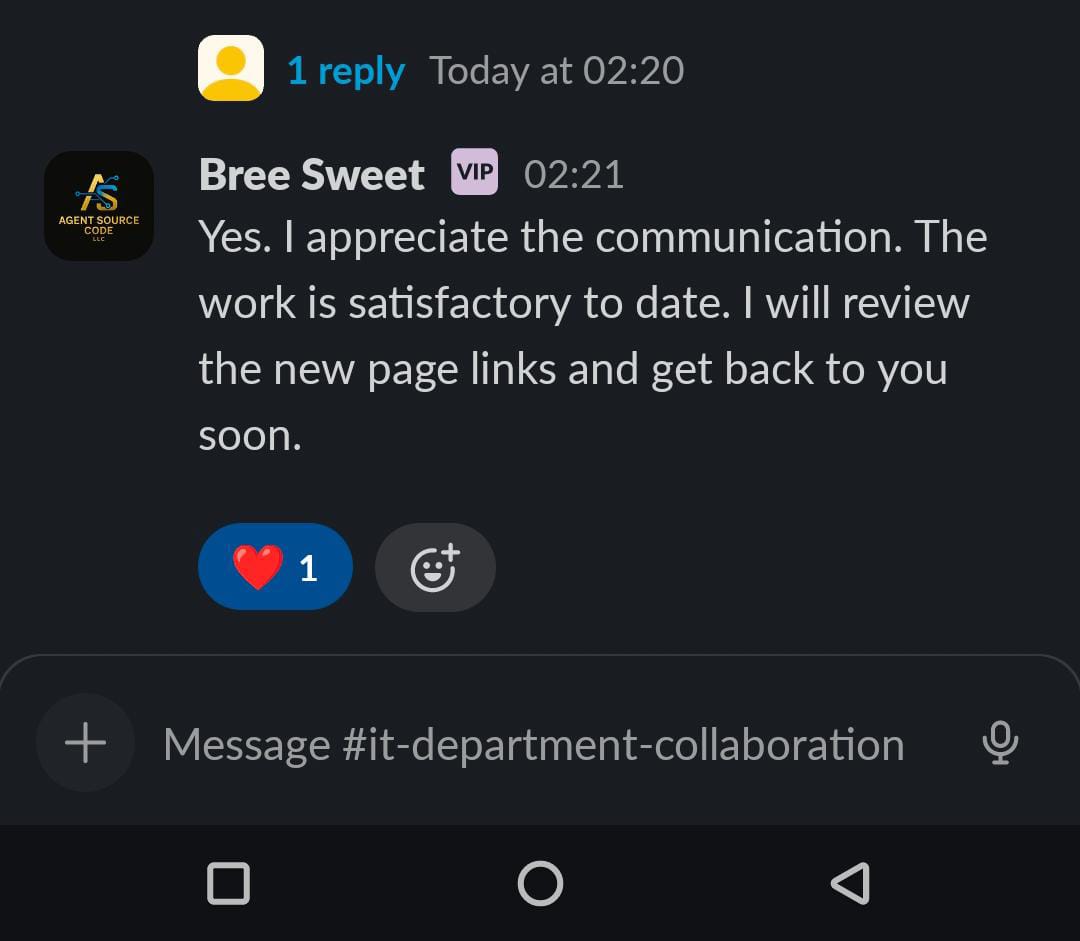
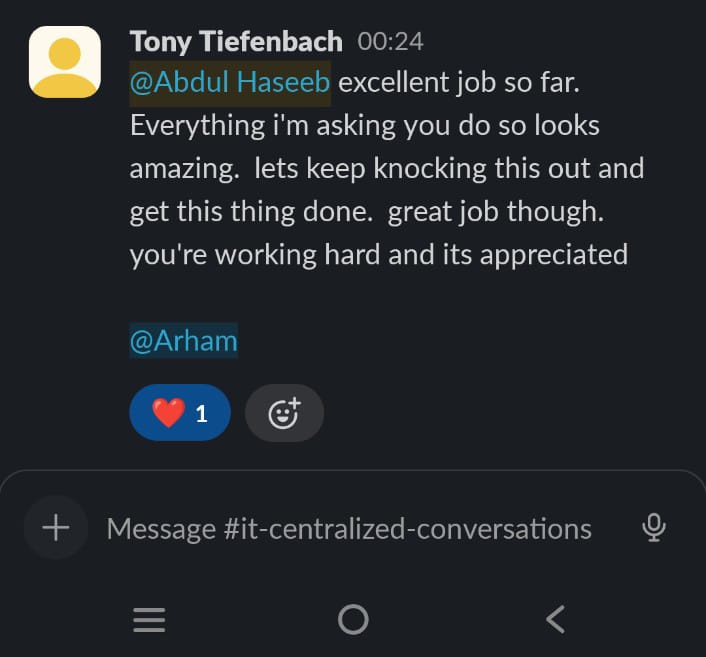
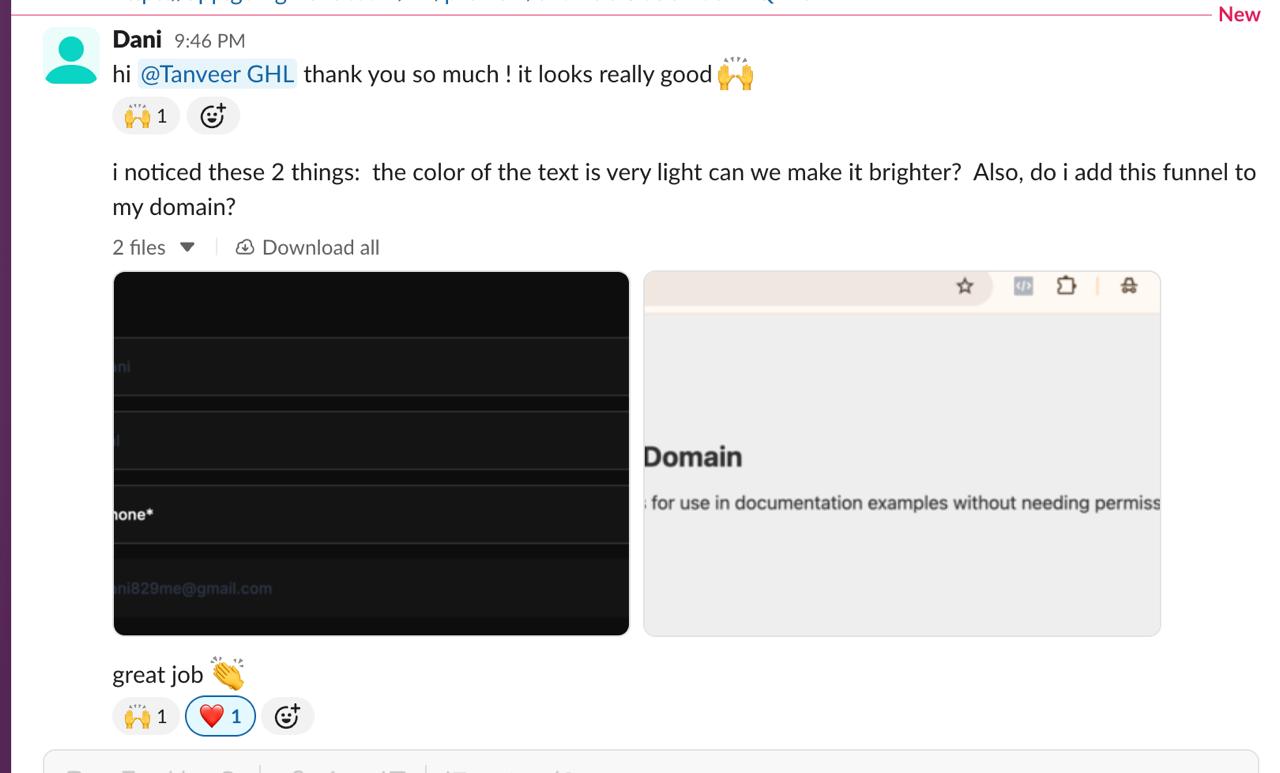
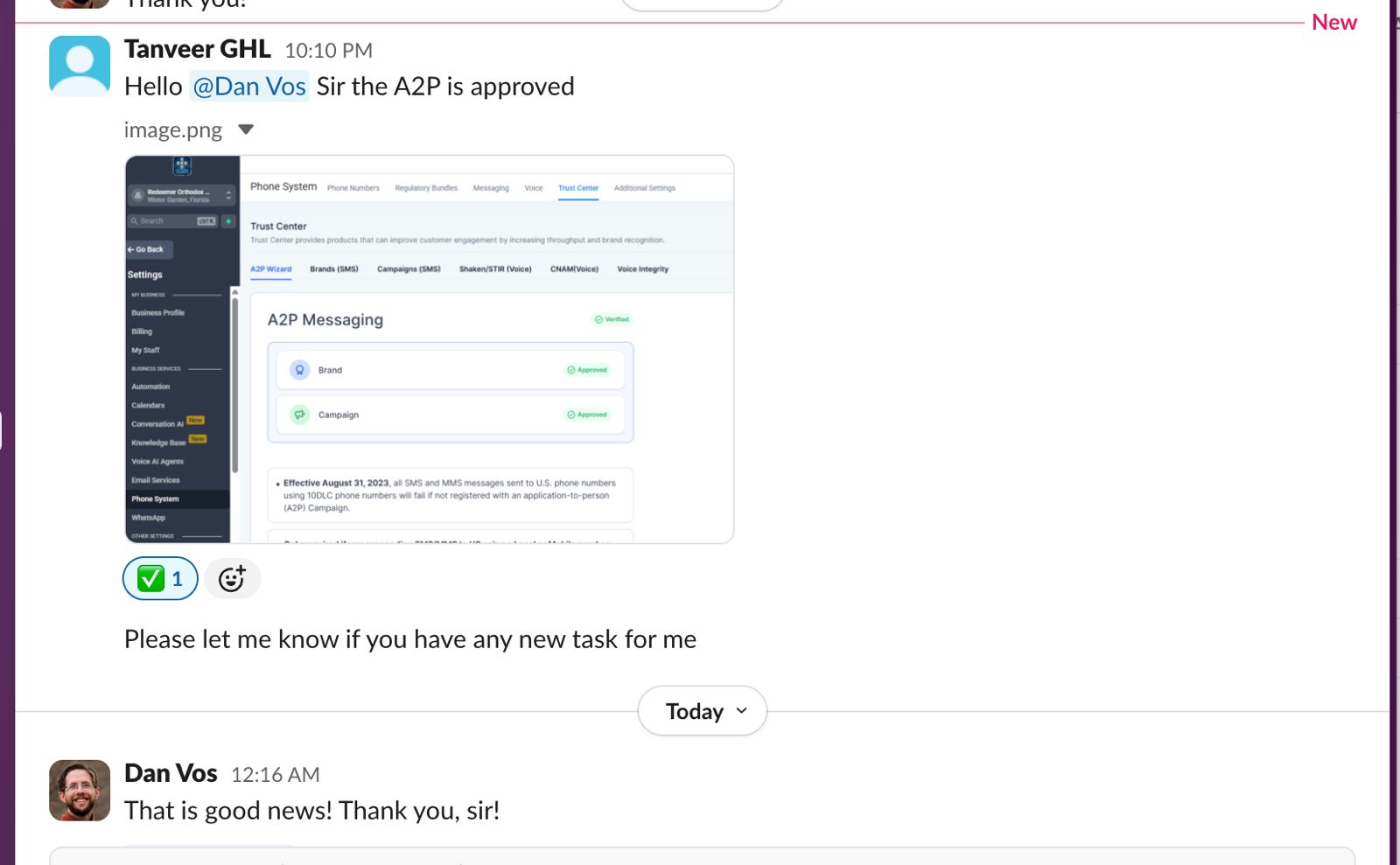
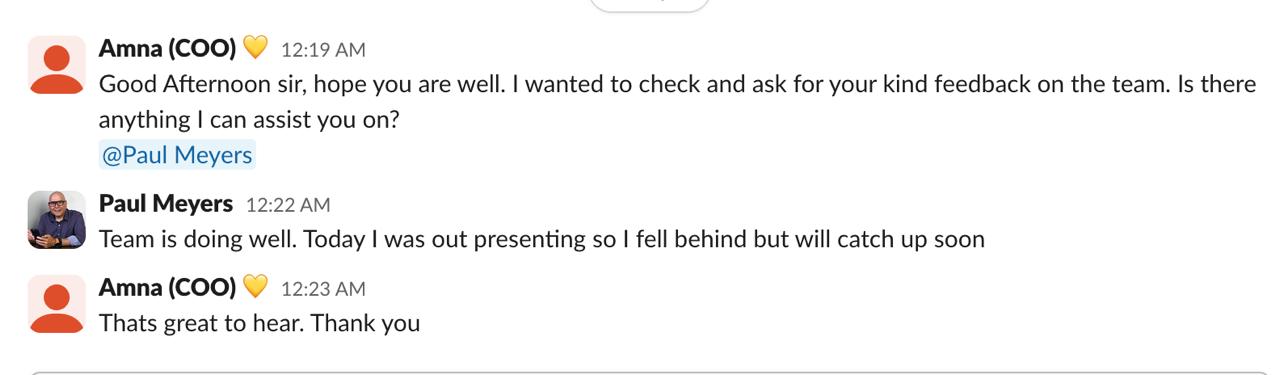
Here's what agencies are saying in our slack channels. Updated in real time
























Our process
From starting line to finish line, WE USE NITROUS!!
First 1-1 Introductory Call
You book a call with our Team. We discuss about what your needs are and who could be the perfect fit for your agency.
Finding the right fit
According to the information you've provided us, we search among our pool of hundreds of VAs to find the right fit for you.
Vetting
We get the VA ready to start working with you and your clients completely White label
On-boarding
We add you with the Project manager and VA inside our Slack channel. You are always in direct contact with the VA over slack open to have daily/ weekly meetings.
Management..
Our team Manages the VA for you, which means even if you are not tracking the activities of the VAs... WE ARE. We make sure the VA is on time and efficiency is not compromised.
HIRE REMOTE TEAM MEMBERS AND DELEGATE YOUR TIME TAKING TASKS
EVERY PLACEMENT IS BACKED BY OUR LIFETIME FREE REPLACEMENT WARRANTY!
WITH GHLSTARBOYS YOU CAN WORK ON YOUR BUSINESS INSTEAD OF WORKING IN YOUR BUSINESS
Stop Design Chaos: Master Figma Design Tools Today
Figma Design Tools: The Complete Guide for Marketing Agencies & Remote Teams
It's 11 PM. Your client is waiting on the landing page mockup. But your designer is still fumbling through a desktop file that refuses to open on the developer's machine. Your revision notes are buried across three email threads and a voice note nobody saved. Meanwhile, your competitor down the street just shipped a full campaign refresh in two days.
Sound familiar? You are not alone. Figma's own research shows that despite 84% of designers collaborating with developers at least weekly, miscommunication remains the #1 reported friction point, meaning frequency alone doesn't fix the problem. The tool does. For agency owners trying to scale, that bottleneck doesn't just slow projects down; it burns your margins, frustrates clients, and quietly exhausts your best people.
That's exactly what Figma design tools were built to fix. In this guide, we'll walk you through everything: what Figma actually does differently, why agencies specifically are adopting it at record speed, and how to build a design workflow around it that runs smoothly whether your team is in London or Los Angeles.
What Are Figma Design Tools? (And Why Agencies Are Obsessed With Them)
Figma is a cloud-based collaborative UI/UX design platform that lets your entire team, including designers, developers, project managers, and even clients, work inside the same live file, at the same time, from any browser in the world. No installs, and there are no version conflicts. No 'which file is the actual final one?' panic at 9 AM.
But here's what separates Figma from tools like Adobe XD or Sketch: it doesn't just host your design files. It becomes the single source of truth for your entire creative operation. Components update across every file the moment you edit them. Clients leave feedback directly on the canvas. Developers get pixel-perfect specs without a single back-and-forth email.

The Three Features That Change Everything for Agencies
Component Libraries: Build reusable design elements, such as buttons, headers, cards, form fields, and deploy them across every client project instantly. Update one component, and it syncs everywhere automatically. For agencies juggling five or ten clients simultaneously, this single feature saves hours every single week.
Auto Layout: Figma elements resize and reposition themselves as content changes. That social media template your designer built for Instagram? It adapts to Facebook and LinkedIn dimensions without rebuilding from scratch. This is not a small thing when you're producing content at volume.
Design Tokens: Store your brand colors, typography, and spacing as reusable variables. Every deliverable stays on-brand consistently without relying on anyone to remember a hex code or check a style guide.
Figma Real-Time Collaboration: How It Kills Design Bottlenecks
Most agency design workflows are not actually workflows. They're email threads with attachments. They're Slack messages asking, 'Which version did you send the client?' There are two designers accidentally overwriting each other's work on the same file at the same time.
Figma real-time collaboration fixes this at the root level. The moment your designer opens a file, every collaborator sees their cursor moving across the canvas live. You can jump into the same frame, drop a comment with @mentions, and resolve feedback without ever leaving the design environment. Everything is tracked. Nothing gets lost.
The practical outcome is significant. A Nielsen Norman Group study found that teams using collaborative design platforms reduce feedback cycle time by up to 45%. For an agency billing by the project, that's not just a productivity improvement. That's the capacity to take on more clients without hiring more people.


Figma Multiplayer Design: Your Whole Team Working Simultaneously
If real-time collaboration is Figma's heartbeat, multiplayer design is its superpower. Multiple designers sitting in entirely different countries can work on the exact same file at the same time. One handles the mobile layout while another builds the desktop version. Neither steps on the other's work. Neither waits.
For remote agencies and teams working with virtual assistants across time zones, this changes the entire operating model. You're no longer passing files across shifts like a relay baton. Your overnight VA picks up exactly where your in-house designer left off, same file, same canvas, same context. No Monday morning briefings. No 'catch me up' calls.
Figma's branching feature takes this even further. Teams can create separate branches of a design file as code branches, experiment freely, and merge changes back into the main file only when approved. A/B testing design concepts on an active project without touching the approved version. This is how professional design teams operate.
Figma for Remote Teams: The Setup That Actually Works
Setting up Figma for a remote team is not complicated. But there is a right way to do it, and most agencies skip the foundational steps that make it actually perform under pressure.
Start with a shared Team Workspace under Figma's Organization plan. This is your agency's central hub, the single place where every client project, design system, and template lives. Within this workspace, build a Master Component Library, a dedicated file holding every reusable element your team will ever need. Brand it properly. Every new client project pulls from it.
Next, establish file naming conventions before onboarding anyone new. A structure like 'ClientName_ProjectType_Version_Status' sounds administrative and boring. It is also the difference between a team that ships on deadline and one that spends 20 minutes every morning hunting for the right file.

Figma Handoff to Developers: Stop the Back-and-Forth for Good
The design-to-development handoff is where most agency projects quietly bleed time. Developers ask questions. Designers re-explain. Someone guesses a spacing value. The final build looks nothing like the mockup. The client pushes back. You've been in this meeting before.
Figma's Inspect mode ends it entirely. When a developer clicks on any element in a Figma file, they see its CSS properties, spacing values, font details, color codes, and export settings generated automatically from what the designer built. Nothing needs to be measured or typed out. Everything is already there.
But Inspect mode only works when the design file is built correctly. Poorly named layers, ungrouped elements, and missing auto layout produce messy specs that confuse developers just as much as a PDF mockup would. This is the difference between a designer who knows Figma and a Figma-trained specialist who builds files the way a developer needs to read them. That distinction matters more than most agency owners realize.
Want to go deeper on this? Smashing Magazine’s guide “Everything Developers Need to Know About Figma” is one of the most cited practical breakdowns of the Figma developer handoff process available online, written for developers by developers, and regularly updated.

Figma vs Other Design Tools: The Honest Comparison
The question comes up constantly: why Figma over Adobe XD, Sketch, or Canva? Here is the straightforward answer, without the marketing framing.
Figma vs Adobe XD: Adobe XD is effectively being discontinued. Following the collapse of Adobe's attempted acquisition of Figma in 2023, XD has received minimal updates since. If your team is still on XD, migrating to Figma is not a preference; it is a business continuity decision.
Figma vs Sketch: Sketch is Mac-only and requires a local installation. For agencies with mixed Mac/PC teams or remote VAs on different operating systems, this is a structural dealbreaker. Figma runs in any browser on any device, making it the only truly cross-platform, cross-team professional design tool available today.
Figma vs Canva: Canva is excellent for quick social graphics, and it serves that purpose well. It is not a professional UI/UX or web design tool. If your agency builds landing pages, app interfaces, or anything requiring a clean developer handoff, Canva cannot do what Figma does. They are not competitors; they serve entirely different needs.
Frequently Asked Questions About Figma Design Tools
What is Figma, and what is it used for?
Figma is a browser-based design tool for creating UI/UX designs, prototypes, and brand assets collaboratively in real time, accessible by your entire team from anywhere.Is Figma free to use for teams?
Yes, Figma's free Starter plan supports up to 3 projects, while the Professional plan at $12/editor/month unlocks unlimited projects, shared libraries, and advanced permissions.Can multiple people work on Figma at the same time?
Yes, Figma's multiplayer feature lets unlimited team members work inside the same file simultaneously, with each collaborator's cursor visible and changes syncing instantly.How does Figma's handoff to developers work?
Figma's Inspect mode auto-generates CSS properties, spacing, fonts, and color codes from any design element, eliminating spec documents and reducing designer-developer miscommunication entirely.Is Figma better than Adobe XD for agencies?
Yes Adobe XD is no longer actively developed post the failed 2023 acquisition, making Figma the clear choice with superior collaboration, browser access, and a larger plugin ecosystem.Does Figma work offline?
Figma works best online, but its desktop app allows limited offline editing with all changes syncing automatically once your internet connection is restored.What is the difference between Figma and FigJam?
Figma is for production design work like UI/UX and prototypes, while FigJam is Figma's separate whiteboard tool built for brainstorming, flowcharts, and team planning sessions.How do I get started with Figma for my marketing agency?
Create a free account, set up a shared Team Workspace, build a Master Component Library, establish file naming conventions, and your agency can be fully operational within two weeks.
Ready to Run Figma Like a Pro: Without Doing It Yourself?
Figma is genuinely powerful. But power only produces results when the person using it genuinely knows what they're doing. Setting up scalable component libraries, maintaining clean file structures, managing developer handoffs correctly, handling client revision rounds without chaos, these are skills that take real practice to do well under agency pressure.
That time and practice are something you probably don't have. You're running a business. You need someone who already has it.
Hire a Figma-Expert VA: Starting at Just $5/Hour
Our Graphic Designer VAs are trained specifically in agency Figma workflows: clean file architecture, developer-ready handoffs, design systems & on-brand client deliverables.
Book Your Free Discovery Call at roziacademy.com
Start in 24 hours · From $5/hour · No long-term contracts
The Bottom Line
Figma is not a trend that agencies are experimenting with. It is the new infrastructure of professional design work, and agencies that build their operations around it are not just working faster. They're communicating more clearly with clients, delivering cleaner work to developers, managing distributed teams more efficiently, and producing a consistently better product than agencies still working the old way.
But adopting Figma well is not just about switching tools. It's about building the right habits, the right file structures, and the right team around it. Whether you bring a specialist in-house or partner with a trained VA who lives inside Figma every single day, the investment pays for itself before the first project closes.
The agencies winning right now are not the ones with the largest budgets. They are the ones who made smarter operational decisions earlier. Figma is one of those decisions.